

Guides
How-to guides, reference & explanation
143 guides covering how-to tasks, technical reference, and conceptual explanation across all Truora products.
New here? Start with a tutorial instead.
-
 How-to
Account Members Management
How to edit, delete, enable, or disable members within an Truora platform account
Account Read -

-
 Digital Identity Verification How-to
Activate User Recovery
Recover your abandoned users with our automatic and user-activated recovery methods
-
 WhatsApp Customer Engagement How-to
Activate your line for WhatsApp in Truora
Activate your line for WhatsApp in Truora
-
 Electronic Signature How-to
Add document and face to electronic signature validation
Allows you to add validation of face, document or both to the end of the signed document
-
 Digital Identity Verification How-to
Advanced Blocks in the Flow Builder
Learn about the Advanced Blocks available in the Flow Builder to create powerful identity verification flows
-
 WhatsApp Customer Engagement How-to
Agents: Starting and Reconnecting Conversations
Learn how agents can start or reconnect conversations
-
 Digital Identity Verification How-to
Analyze the performance of a flow
Optimize flows by identifying dropouts, failures, and bottlenecks.
-

-
 How-to
Authentication Guide
How to generate API Keys to perform the integration with Truora
Account Read -
 Digital Identity Verification How-to
Authorization guide
Get explicit authorization for using personal data and others from your users
-
 How-to
Azure as identity provider - SSO Setup
Learn to set up SSO authentication using Azure as an identity provider.
Account Read -
 Background Checks How-to
Background Checks Batch via API
Learn how to submit a Background Checks Batch via API
-
 Background Checks How-to
Background Checks Configuration Module
Learn how to configure Background Checks global settings and create custom check types through the dashboard
-
 Background Checks How-to
Background Checks Status Monitor and Metrics
Monitor the status of the databases used in your background checks and view the metrics of your queries from the dashboard
-
-
 Background Checks How-to
Background Checks: Continuous Checks and Status Monitor
How to use the Continuous Checks and the Status Monitor
-
 Background Checks How-to
Background Checks: PDF, Variables and Attachments
How to access features such as PDF, Variables, and Attachments, through the API or the Dashboard.
-

-
 Background Checks Explanation
Checks Lifecycle: Deep Dive
Explore the intricate journey of a background check, considering various factors impacting execution.
-
 Digital Identity Verification How-to
Common errors
Guide for common errors in Truora's identity verification process.
-

-
 Background Checks How-to
Configure Background Checks Parameters
How to check and configure Background Checks settings
-
 WhatsApp Customer Engagement How-to
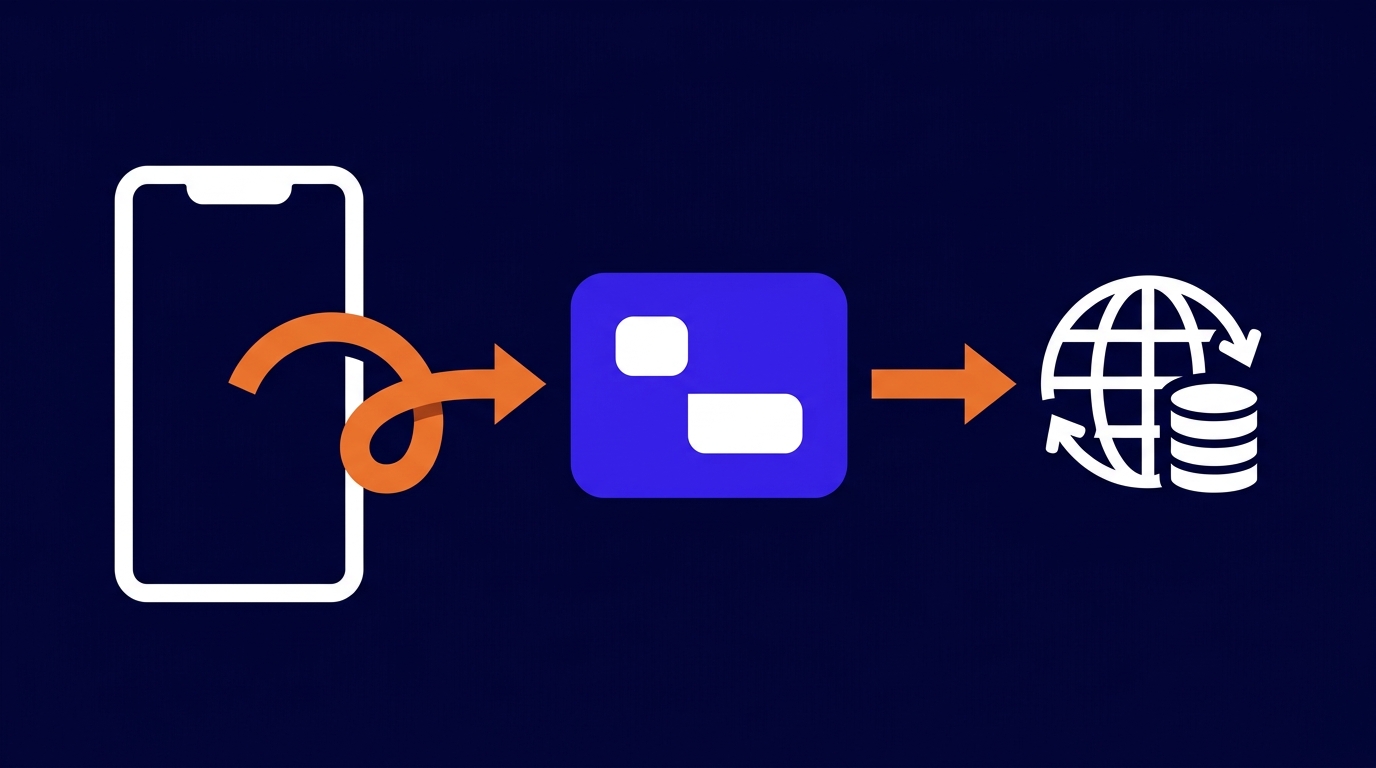
Configure your flows to perform API requests
Learn to use custom integrations with external services inside our flow builder
-
 Digital Identity Verification How-to
Configure your flows to perform API requests
Learn to use custom integrations with external services inside our flow builder
-
 WhatsApp Customer Engagement How-to
Contacts Management
Manage and organize your contacts in Truora's WhatsApp platform
-
 WhatsApp Customer Engagement How-to
Conversations and Agents Management
Learn more about the Conversations and Agents Management
-
 Electronic Signature How-to
Create a dynamic template at ZapSign
How to create and include a dynamic template in your flows using a ZapSign ID
-
 How-to
Create a rule to receive webhooks
Learn to configure a rule for any event and trigger actions such as Webhooks.
Webhooks/Automations Read -
 Digital Identity Verification Tutorial
Create a Web flow in 5 minutes or less
Quickly create a Web flow to use it in any app
-
 WhatsApp Customer Engagement How-to
Create a WhatsApp <> Zendesk Integration
Learn how to create a WhatsApp <> Zendesk integration
-
 WhatsApp Customer Engagement Tutorial
Create a WhatsApp flow in 5 minutes or less
Quickly create a WhatsApp flow to use it in any app
-
 How-to
Create Account to link processes by user
Learn how to generate an account_id in Truora´s system to link processes by user and store user data.
Account Read -
 Digital Identity Verification How-to
Create forms
Allows you to create custom forms to use in identity flows
-
 WhatsApp Customer Engagement How-to
Create Forms for WhatsApp flows
Learn how to create custom forms to collect user data and use them in WhatsApp Flows
-
 WhatsApp Customer Engagement How-to
Create Massive WhatsApp Campaigns
Create Massive WhatsApp Campaigns
-
 How-to
Create Member and Assign Role
Learn how to add new members and assign roles in your Truora account.
Account Read -
 Background Checks Tutorial
Creating a Background Check
Learn to initiate a background check using our API, with essential prerequisites included.
-
 Background Checks How-to
Credit History Credentials Management (Mexico)
Learn how to configure and manage your credit history credentials for Mexico directly from the Truora platform
-
 Background Checks Reference
Crime Categories
Truora follows United Nations ICCS categories for crime, simplifying global crime description standardization
-
 Digital Identity Verification How-to
Custom integrations: Connect an external API with your Web Flows
Learn to configure a custom integration with an external service to later use it in your Web flows
-
 WhatsApp Customer Engagement How-to
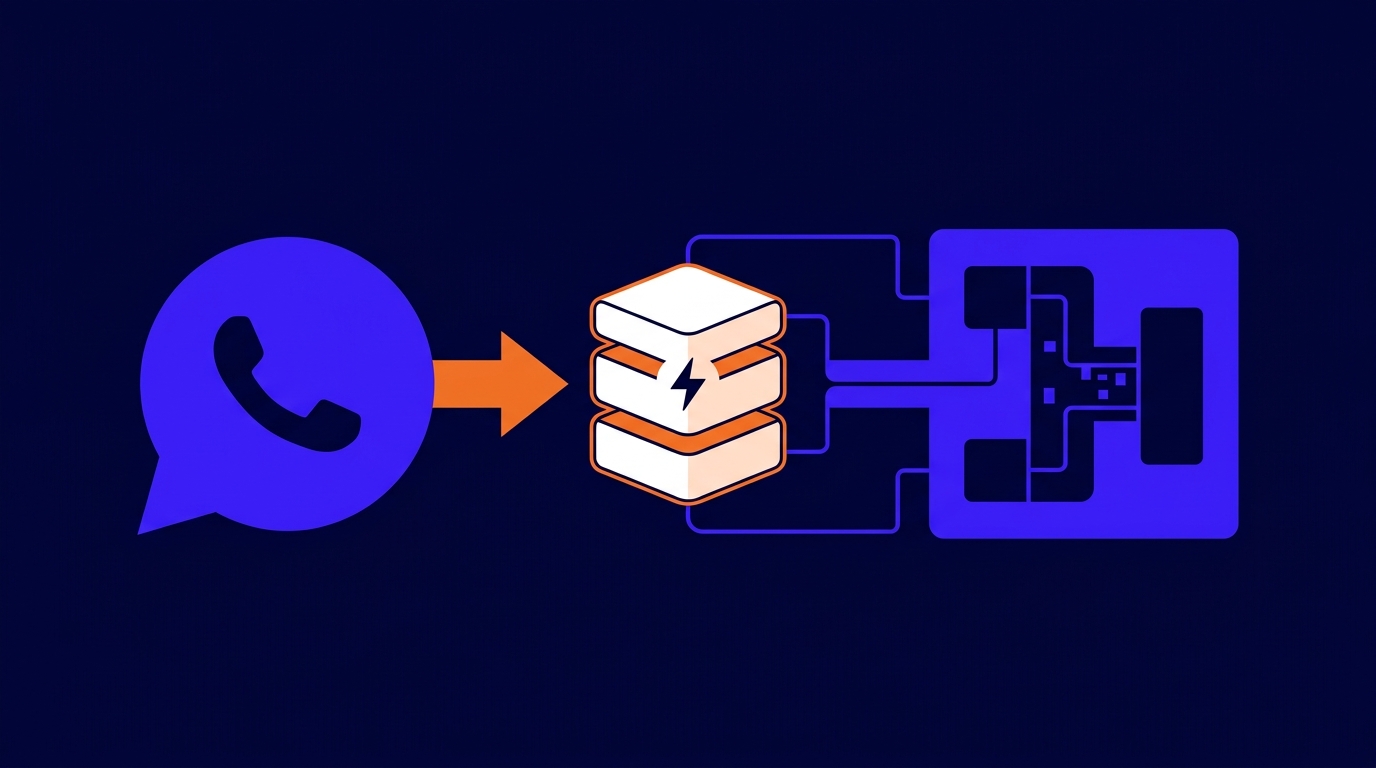
Custom integrations: Connect an external API with your WhatsApp Flows
Learn to configure a custom integration with an external service to later use it in your WhatsApp flows
-
 WhatsApp Customer Engagement Tutorial
Customer Engagement - Getting Started
Getting started with WhatsApp customer engagement
-
 Digital Identity Verification How-to
Customize your web flow
How to configure the behavior and appearance of a web flow
-
 Background Checks Reference
Datasets, Scores and Types
Discover essential concepts like datasets, scores, and types within the context of background checks.
-
 Digital Identity Verification Reference
Declined Reasons Details
Detailed explanation of reasons for declined document validations by Truora's API
-
 Digital Identity Verification Explanation
Digital Identity - Main Concepts
Get to know the core concepts of Digital Identity on Truora's platform.
-
 Digital Identity Verification How-to
Digital Identity Verification Flow
Create Digital Identity Flow
-
 Digital Identity Verification How-to
Document and Face Validation
How to use the Document and Face Validation in Dashboard
-
 Digital Identity Verification How-to
Document Validation
How to use Document Validation in Dashboard
-

-

-
Digital Identity Verification Reference
Documents types and validation methods per country
Supported documents, versions, and validation methods for each country
-
 Digital Identity Verification How-to
Download an Identity Process PDF
How to download an Identity Process as a PDF
-
 Digital Identity Verification How-to
Download DI Process Data
Explains how to download Digital Identity Process Data (Self-serve).
-
 Electronic Signature How-to
Electronic Signature branding
Customize your ZapSign colors and branding
-
 Electronic Signature How-to
Electronic Signature general implementation guide
Take your team from account setup to daily operation of ZapSign: decisions, settings, integrations, and support
-
 Electronic Signature How-to
Electronic Signature Manage
Manage electronic signature templates and forms
-
Electronic Signature Reference
Electronic Signature training and support resources
Training videos by role, help center articles, and support channels for ZapSign
-
 Digital Identity Verification How-to
Email Validation Guide Via OTP
Validate the email address of your end users with OTP (One-Time Password)
-

-

-
 Digital Identity Verification Reference
Expired Reasons Details
Detailed explanation of reasons for expired validations by Truora's API
-

-

-

-

-
 Validators Explanation
Facial Recognition Methods
About Truora´s "similarity" and "liveness detection" methods and how to activate them
-
 Digital Identity Verification How-to
Flow execution view
Visualize the path taken by a process and review the inputs, outputs, and events of each block.
-
 Digital Identity Verification How-to
Get Geolocation info
Obtain the real geographic location of your users
-
 WhatsApp Customer Engagement How-to
Get Results from Whatsapp Chatbot Processes
How to bring the results of whatsapp chatbot processes
-
 Explanation
Getting Started with Truora - A Plain-Language Guide
New to Truora? This guide explains what we do and helps you find the right product for your needs, in simple language.
-
 Reference
Glossary - Truora Terms Explained in Simple Language
A simple glossary of Truora terms explained in plain language for non-technical users.
-
 How-to
Google as identity provider - SSO Setup
Learn to set up SSO authentication using Google as an identity provider.
Account Read -
 Digital Identity Verification How-to
Guide to Get Results
How to search and retrieve Processes and Validations results
-
 WhatsApp Customer Engagement How-to
How to Acquire WhatsApp Lines
Learn more about the acquisition methods for WhatsApp lines.
-
 Background Checks How-to
How to Create a Custom Type for Background Check
Create a custom background check for more accurate results
-
 WhatsApp Customer Engagement How-to
How to Include Variables in a Mass Campaign
Learn how to add variables in your massive campaigns for personalized communication.
-

-
Digital Identity Verification How-to
How to test a flow before going live
Send yourself a Web or WhatsApp flow from the dashboard and check the end-user experience
-
 How-to
How to use the Dashboard
How to manage members, roles, usage, and audit logs from the Dashboard
Account Read -
 WhatsApp Customer Engagement How-to
How to Use WhatsApp to Validate Identity
Use identity Validators with WhatsApp
-
 WhatsApp Customer Engagement How-to
How to Verify Your Facebook Business Account with Truora
Learn how to verify your Facebook business account with Truora to boost credibility.
-
Digital Identity Verification How-to
How to view identity verification results
Review processes, failure reasons, downloads, and user profiles from the dashboard
-
 WhatsApp Customer Engagement How-to
HubSpot integration with Truora
Step-by-step guide on integrating HubSpot with Truora´s platform
-
 Digital Identity Verification How-to
Identity Process Override Status
Learn how to manually change the final status of an identity process when needed - Authorization required.
-
 Digital Identity Verification How-to
Iframe Integration Guide
How to integrate with Truora using Iframes
-
 WhatsApp Customer Engagement How-to
Inbound Message Guide
How to set and use inbound messages with Truora's Dashboard
-
 WhatsApp Customer Engagement How-to
Include variables in your WhatsApp flow
How to use the responses obtained within the flow
-
 Digital Identity Verification How-to
Integrate a Form into a Validation Flow
Explains how to use the form block in an identity flow
-
 Electronic Signature How-to
Integrate Electronic Signature in Web flows
How to integrate Electronic Signature in Web flows
-
 Electronic Signature How-to
Integrate Electronic Signature in WhatsApp flows
How to integrate Electronic Signature in WhatsApp flows
-

-
 WhatsApp Customer Engagement How-to
Live Capture for Identity Validations on WhatsApp
Add an extra layer of security to your whatsapp flow by using the live capture for image inputs
-
 Electronic Signature How-to
Manage Electronic Signature of Documents
Manage fixed documents for electronic signature
-

-
 WhatsApp Customer Engagement How-to
Migrate your WhatsApp line to Truora
Learn more about the WhatsApp lines migration.
-
WhatsApp Customer Engagement How-to
Migration Guide: How to address the deprecation of user phone number variable
From August 14, 2026, Flowbuilder will block saving flows that use user_phone_number. Capture phone numbers explicitly and use WhatsApp User ID (BSUID) for identification.
-
 Background Checks How-to
Migration to new production environment step-by-step
Migrate to new production environment
-
 How-to
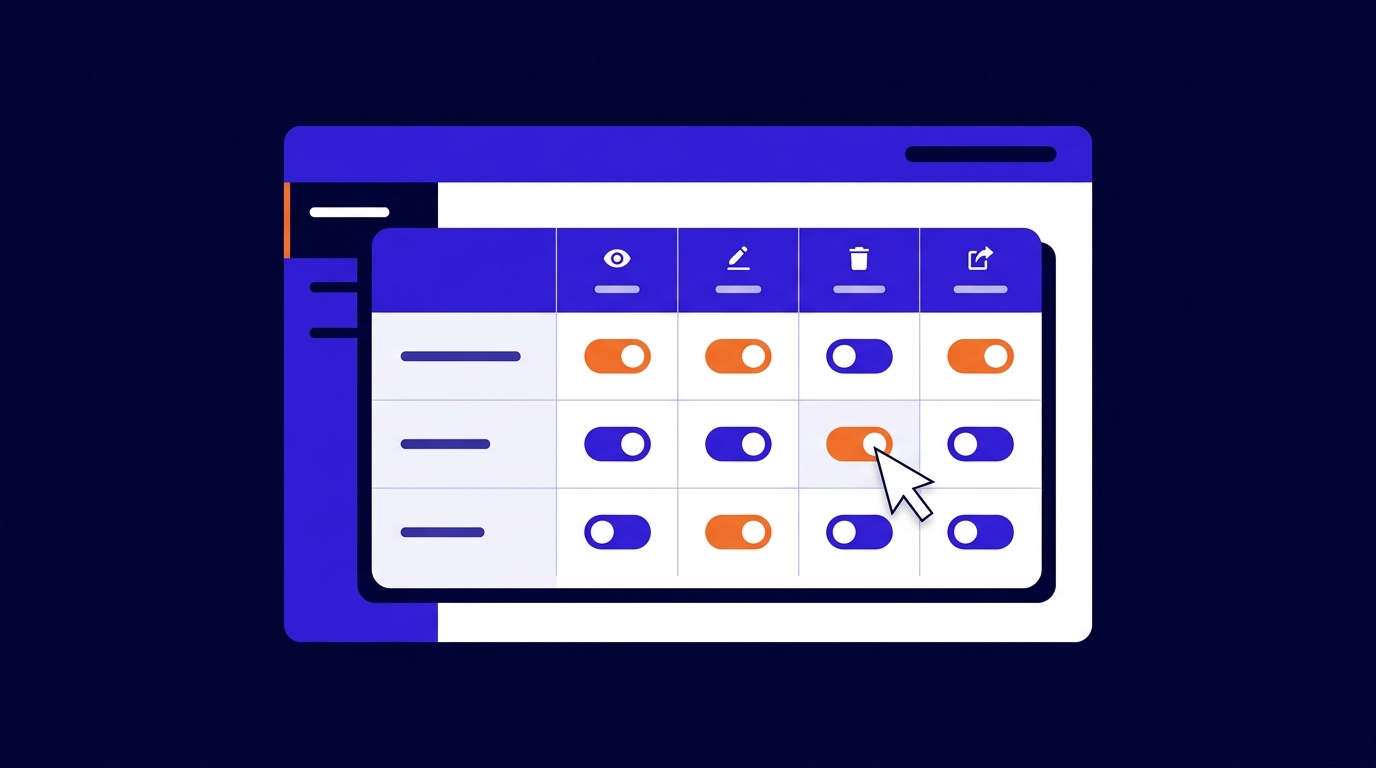
Navigating Roles and Permissions
Learn how to view, create, and configure roles and permissions from your Truora dashboard.
Account Read -
 WhatsApp Customer Engagement How-to
Outbound Message Guide
How to create and send an outbound message with Truora´s Dashboard
-
 Digital Identity Verification How-to
Phone Validation Guide Via OTP
Validate the phone number of your end users with OTP (One-Time Password)
-

-

-
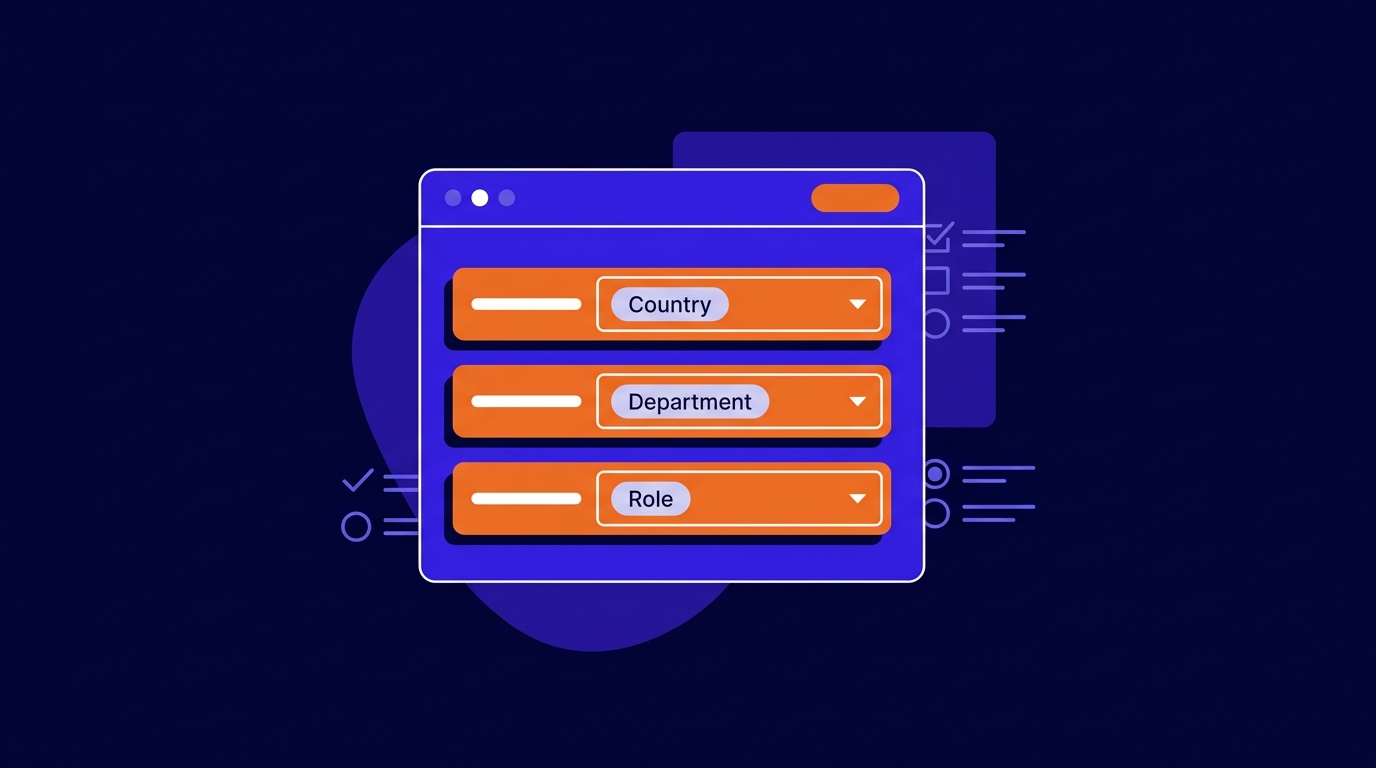 Digital Identity Verification How-to
Preconfigured lists (Form Builder)
How to use preconfigured lists as options in List, Checkbox, and Radio questions in the form builder
-
 How-to
Profile Config
Learn how to manage your Truora profile settings, including password reset, language, 2FA, and linked accounts.
Account Read -
 Digital Identity Verification How-to
Retrieve uploaded files from form responses
How to read file-type answers via the Forms API, resolve media IDs with the Account media API, and use uploads in flows
-
Background Checks How-to
Review Background Check Results
Access the query history features and the result details of your background checks from the dashboard
-
 How-to
Sending Encoded Requests
Ensure security in your requests with signed and encoded JWT through Truora
Account Read -
 WhatsApp Customer Engagement How-to
Start Conversations via API
Learn to use our API to trigger automated WhatsApp conversations
-
 How-to
Subscribe a Webhook to get Web flows results
Learn how to Configure a webhook to receive the results of Web flows processes.
Webhooks/Automations Read -
 How-to
Subscribe a Webhook to get WhatsApp flows results
Learn how to Configure a webhook to receive the results of Customer Engagement processes.
Webhooks/Automations Read -
Digital Identity Verification How-to
Test your flow logic with Logic Test
Use Logic Test to simulate flow execution, configure inputs, save test cases, and debug paths and outputs.
-
 WhatsApp Customer Engagement How-to
Test your WhatsApp - HubSpot integration
How to test your WhatsApp - HubSpot integration within Truora´s WhatsApp Flows
-
 Digital Identity Verification How-to
Tips for document pictures
Useful tips to capture good document photos for smooth and successful validations
-

-
 Validators Explanation
TruIdentidad
How integrate face validation solution with Registraduria for secure and efficient user validation.
-
 How-to
Two-step Verification Setup
Learn how to set up Two-step verification on your Truora account using an authentication app or SMS.
Account Read -
 Explanation
Understanding Account Access and Permissions
Learn how permissions, roles, and members are structured in Truora — and what you can manage directly from the dashboard.
Account Read -
 Background Checks Explanation
Understanding Background Checks
Understand how Background Checks works
-
 WhatsApp Customer Engagement How-to
Use Custom Integrations to get WA flow images
Learn how to use a Custom Integration to get user uploaded images from your flows
-
 Background Checks How-to
Use the Check Type Company
How to use the Check Type Company in a Background Checks
-
 Background Checks How-to
Use the Check Type Person
How to use the Check Type Person in a Background Checks
-
 Background Checks How-to
Use the Check Type Vehicle
How to use the Check Type Vehicle in a Background Checks
-
 Digital Identity Verification How-to
Using Decision Variables in Flow Conditions
Create smart business rules using Decision Variables based on user history and contextual data
-
 Validators Tutorial
Validations SDK: Android getting started
Integrate Truora Validations (Document/Face) into your Android app using the native SDK.
SDK Read -
 Validators Tutorial
Validations SDK: Capacitor (Ionic) getting started
Integrate the Truora Validations native SDKs into a Capacitor or Ionic app using a local plugin.
SDK Read -
 Validators How-to
Validations SDK: Document + Face combined flow
Run Document validation and Face validation as a single user experience using the same userId and an extracted reference face.
SDK Read -
 Validators Tutorial
Validations SDK: Flutter plugin getting started
Integrate Truora Validations into your Flutter app using the official Flutter plugin.
SDK Read -
 Validators How-to
Validations SDK: Integrating into hybrid frameworks
Integrate the Truora Validations native SDKs into any hybrid framework using the native-bridge pattern.
SDK Read -
 Validators Tutorial
Validations SDK: iOS getting started
Integrate Truora Validations (Document/Face) into your iOS app using the native SDK.
SDK Read -
 Validators Tutorial
Validations SDK: React Native plugin getting started
Integrate Truora Validations into your React Native app using the official React Native plugin.
SDK Read -
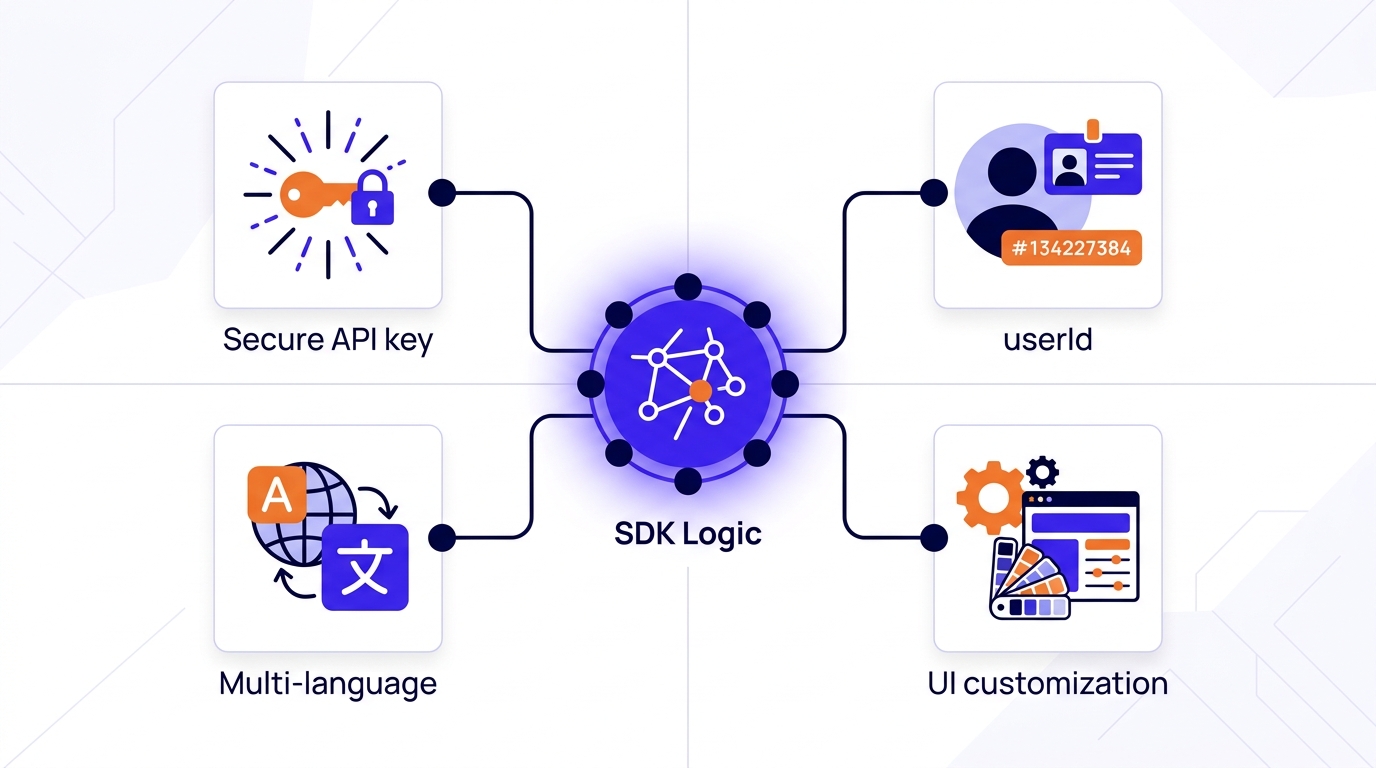 Validators Reference
Validations SDK: Shared logic
Shared concepts for all Truora Validations SDK integrations: API keys, userId, language, and UI customization.
SDK Read -
 Digital Identity Verification Explanation
Validations Steps
Understanding validation steps in Truora
-
 Validators Explanation
Validators - Main Concepts
Get to know the core concepts of Validators on Truora's API.
-
 Digital Identity Verification How-to
Verify Identity Steps via API
Learn how verify process steps using Truora's API Verify Identity endpoint, for custom front-end solutions
-

-
 Digital Identity Verification How-to
Web Integration Token Guide
How to generate tokens to integrate via Web
-
 Reference
Webhooks: Events and variables
Learn about available events and variables useful in the Webhooks service
Webhooks/Automations Read -
 Digital Identity Verification How-to
WebView Integration Guide
How to integrate with Truora using WebView
-
 WhatsApp Customer Engagement Explanation
Whatsapp CE - Main Concepts
Get to know the core concepts of Whatsapp Customer Engagement in Truora
-
 WhatsApp Customer Engagement Explanation
WhatsApp CE - META Considerations
Essential META information for Truora Customer Engagement setup.
-
 WhatsApp Customer Engagement Explanation
WhatsApp Lines Rules and Best Practices for Messaging
Learn the key rules for managing WhatsApp lines and best practices for effective messaging.
No guides found
Try a different search term, or clear the filters to browse all guides.